Introduction
In today’s fast-paced software development landscape, organizations need applications that are portable, scalable, and consistent across different environments. One of the biggest challenges developers face is the classic “It works on my machine” problem, where applications behave differently in development, testing, and production.
Definition
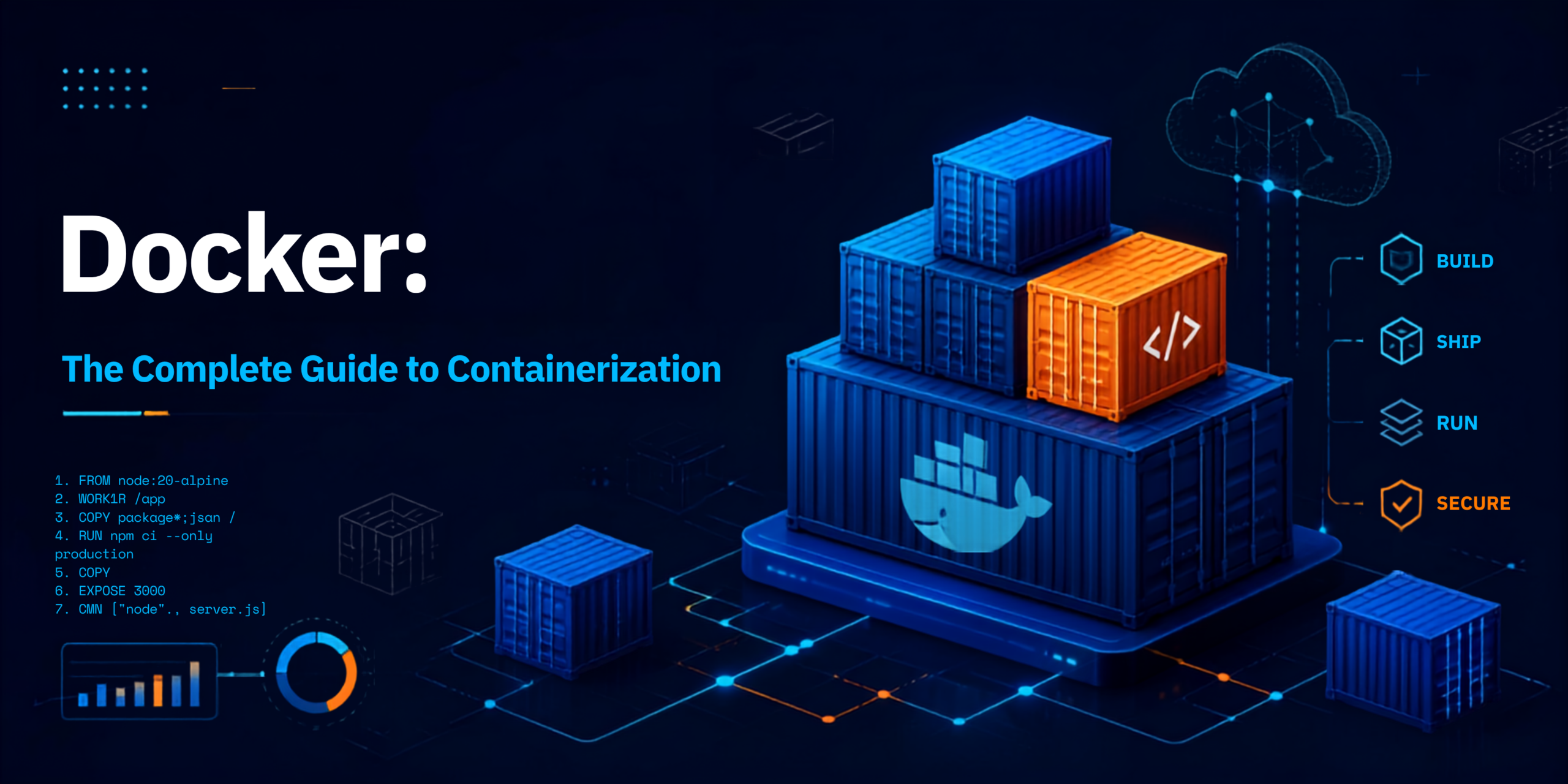
Docker is an open-source containerization platform that enables developers to build, package, distribute, and run applications inside lightweight, portable containers.
Unlike traditional virtual machines, Docker containers share the host operating system kernel, making them significantly faster and more resource-efficient.
Architecture
+———————-+
| Docker Client |
| docker build/run |
+———-+———–+
|
Docker REST API
|
+———-v———–+
| Docker Daemon |
| dockerd |
+———-+———–+
|
———————————————
| | |
+—–v—–+ +—–v—–+ +——v——+
| Docker | | Docker | | Docker |
| Images | | Containers| | Volumes |
+———–+ +———–+ +————-+
|
Docker Registry
(Docker Hub/Private)
Components :
- Docker Client
- Docker Daemon
- Docker Images
- Docker Containers
- Docker Registry
- Docker Volumes
- Docker Network
Working
Step 1: Write Application
Step 2: Create Dockerfile
Step 3: Build Image
Step 4: Store Image
Step 5: Run Container
Step 6: Scale Containers
Advantages
1. Lightweight
Containers use fewer resources than virtual machines.
2. Faster Deployment
Applications launch in seconds.
3. Portability
Run the same container on:
- Windows
- Linux
- macOS
- Cloud
- On-premises
4. Consistency
Eliminates environment-related issues.
5. Easy Scaling
Supports horizontal scaling with orchestration tools.
6. Better Resource Utilization
Multiple containers can efficiently share the host OS kernel.
7. DevOps Friendly
Integrates seamlessly with CI/CD pipelines.
8. Microservices Support
Each microservice can run in its own isolated container.
Disadvantages
1. Shared Kernel
Containers share the host OS kernel, offering less isolation than virtual machines.
2. Persistent Storage Management
Containers are ephemeral; persistent data requires proper volume management.
3. Security Risks
Misconfigured containers or outdated images can introduce vulnerabilities.
4. Learning Curve
Requires understanding of Dockerfiles, networking, images, and container orchestration.
5. Complex Multi-Container Applications
Large deployments often require orchestration tools like Kubernetes.
Tools
| Tool | Purpose |
| Docker Engine | Container runtime |
| Docker Desktop | Local Docker development |
| Docker Compose | Multi-container applications |
| Docker Hub | Image repository |
| Kubernetes | Container orchestration |
| Podman | Docker alternative |
| Buildah | Build container images |
| Trivy | Container vulnerability scanning |
| Portainer | Docker management UI |
| Jenkins | CI/CD automation |
| GitHub Actions | Automated container deployment |
| Prometheus | Container monitoring |
| Gra
fana |
Visualization and dashboards |
Interview Questions
Basic
- What is Docker?
Docker is a containerization platform used to package applications and their dependencies into portable containers.
- What is the difference between Docker Image and Docker Container?
An image is a read-only template, while a container is a running instance of that image.
- What is Dockerfile?
A Dockerfile is a text file containing instructions to build a Docker image.
- What is Docker Compose?
Docker Compose is a tool for defining and running multi-container Docker applications using a docker-compose.yml file.
- What is Docker Hub?
Docker Hub is a cloud-based registry used to store and share Docker images.
Intermediate
- What are Docker Volumes?
Volumes provide persistent storage that remains available even if containers are removed.
- Explain Docker Networking.
Docker networking enables communication between containers and external systems using network drivers such as bridge, host, and overlay.
8. Difference between Docker and Virtual Machine?
| Docker | Virtual Machine |
| Lightweight | Heavyweight |
| Shares host OS kernel | Includes full guest OS |
| Starts in seconds | Takes minutes to boot |
| Lower resource usage | Higher resource usage |
Conclusion
Docker has transformed modern software development by making applications portable, lightweight, and easy to deploy across different environments. It enables organizations to build reliable, scalable, and consistent systems while reducing infrastructure overhead and accelerating development cycles.
Whether you’re a software developer, DevOps engineer, cloud architect, or system administrator, mastering Docker is a valuable skill that complements technologies such as Kubernetes, CI/CD pipelines, and cloud platforms like AWS, Azure, and Google Cloud.
CTA
🚀 Master Docker with SecureFlow Infotech
Build in-demand DevOps skills with hands-on Docker training from SecureFlow Infotech.
What You’ll Learn
- Docker Fundamentals
- Docker Installation & Configuration
- Docker Images & Containers
- Docker file Creation
- Docker Compose
- Docker Networking
- Docker Volumes
- Multi-Stage Builds
- Docker Security Best Practices
- CI/CD Integration with Docker
- Docker with Kubernetes
- Real-Time Projects and Interview Preparation
Why Choose Secure Flow Infotech?
- Certified Industry Trainers
- Hands-on Labs and Real-Time Projects
- Online & Offline Training
- Interview Preparation and Resume Assistance
- Placement Support
- Flexible Batch Timings
📞 Contact: +91 91339 19666 | +91 91884 94949
Take the next step in your DevOps career with SecureFlow Infotech and gain practical expertise in Docker through industry-focused training.