Introduction
In modern software development, multiple developers often work on the same project simultaneously. Without an efficient version control system, managing code changes, tracking revisions, and collaborating with team members can become difficult and error-prone. Accidental overwrites, lost code, and conflicting changes can delay software delivery and impact project quality.
Definition
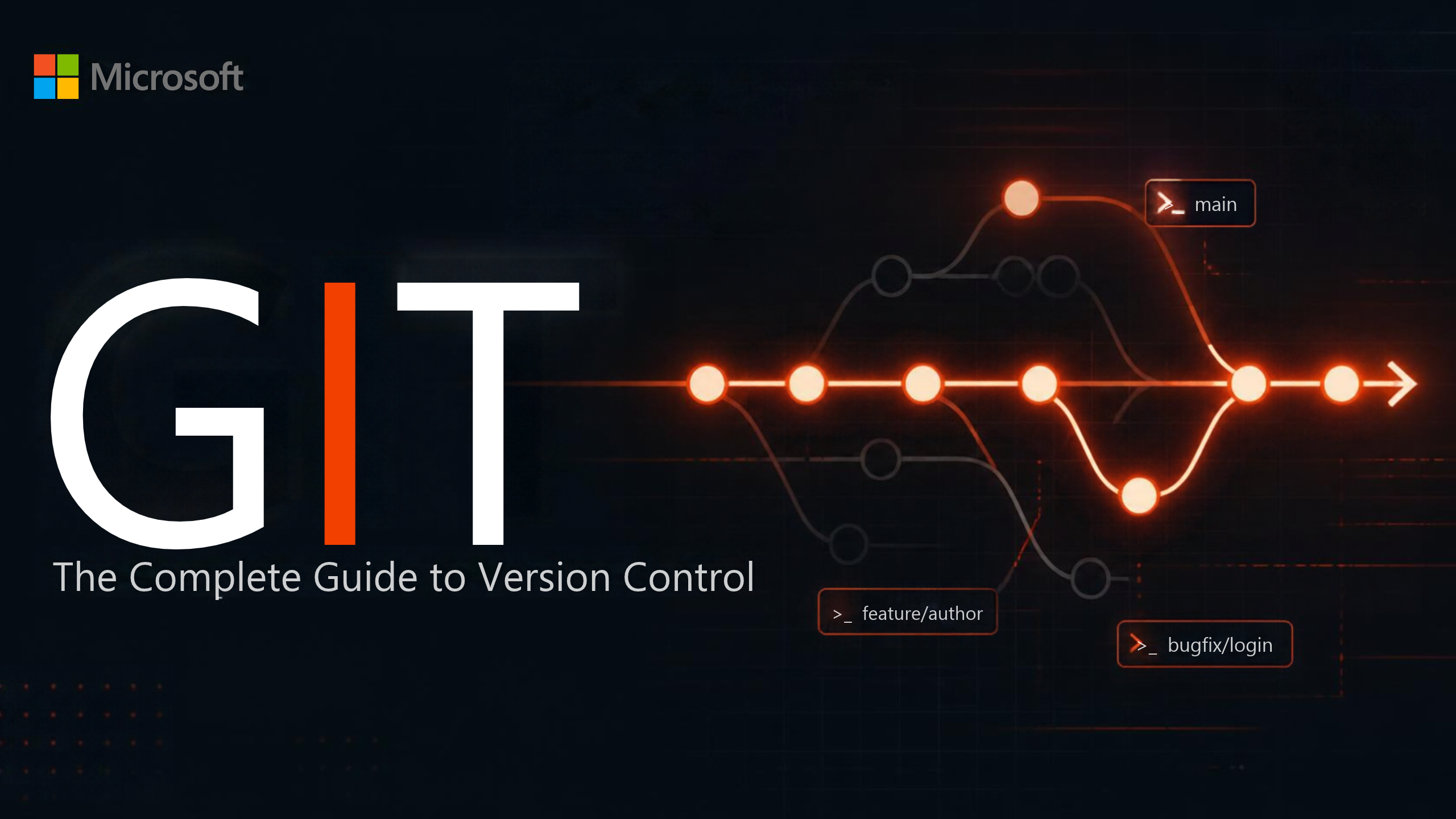
Git is an open-source distributed version control system that allows developers to track changes in source code, collaborate with team members, manage different versions of a project, and restore previous versions when needed.
Architecture
+———————-+
| Remote Repository |
| GitHub/GitLab |
+———-+———–+
|
Push / Pull / Fetch
|
———————————-
| |
+———————-+ +———————-+
| Local Repository | | Local Repository |
| Developer A | | Developer B |
+———-+———–+ +———-+———–+
| |
Working Directory Working Directory
| |
Staging Area (Index) Staging Area
| |
Commit Changes Commit Changes
Working
Step 1: Initialize Repository
Step 2: Clone Repository
Step 3: Modify Files
Step 4: Stage Changes
Step 5: Commit Changes
Step 6: Push Changes
Step 7: Pull Latest Changes
Advantages
1. Distributed Version Control
Every developer has a complete copy of the repository.
2. Fast Performance
Most Git operations are performed locally, making them quick and efficient.
3. Easy Collaboration
Multiple developers can work on the same project simultaneously.
4. Complete Version History
Git maintains a detailed history of all changes.
5. Branching and Merging
Developers can create branches for new features and merge them safely.
6. Backup and Recovery
Repositories can be restored from local or remote copies if needed.
7. Open Source
Git is free to use and supported by a large global community.
8. Integration with DevOps
Git integrates seamlessly with CI/CD pipelines, Docker, Kubernetes, Terraform, and cloud platforms.
Disadvantages
1. Learning Curve
Understanding branching, merging, rebasing, and conflict resolution takes practice.
2. Merge Conflicts
Conflicts can occur when multiple developers modify the same code.
3. Large Binary Files
Git is not optimized for storing large binary files such as videos or large datasets.
4. Repository Size
Repositories with a long history or many large files can become large over time.
5. Accidental Force Pushes
Improper use of commands like git push –force can overwrite shared history if not managed carefully.
Tools
| Tool | Purpose |
| Git | Distributed Version Control |
| GitHub | Cloud-based Git repository hosting |
| GitLab | Source code management with built-in CI/CD |
| Bitbucket | Git repository hosting and collaboration |
| Azure Repos | Git repositories within Azure DevOps |
| GitKraken | Git graphical user interface |
| Sourcetree | Free Git GUI client |
| Visual Studio Code | Source code editor with Git integration |
| IntelliJ IDEA | IDE with built-in Git support |
| Jenkins | CI/CD automation integrated with Git |
| GitHub Desktop | Desktop application for Git management |
Interview Questions
Basic
1. What is Git?
Git is a distributed version control system used to track source code changes and enable collaboration among developers.
2. What is the difference between Git and GitHub?
- Git: A version control system installed locally.
- GitHub: A cloud-based platform for hosting and collaborating on Git repositories.
3. What is a repository?
A repository (repo) is a storage location that contains a project’s files and complete version history.
4. What is a commit?
A commit is a saved snapshot of changes made to a repository.
5. What is a branch?
A branch is an independent line of development that allows developers to work on new features without affecting the main codebase.
Conclusion
Git has become the foundation of modern software development by enabling efficient version control, collaboration, and code management. Its distributed architecture, powerful branching model, and seamless integration with DevOps tools make it an indispensable skill for developers, DevOps engineers, and cloud professionals.
Learning Git not only improves collaboration but also prepares you to work with modern technologies such as GitHub, GitLab, CI/CD pipelines, Docker, Kubernetes, and Terraform.
🚀 Master Git with SecureFlow InfoTech Pvt. Ltd.
Kickstart your DevOps and software development journey with hands-on Git Training from SecureFlow InfoTech Pvt. Ltd.
What You’ll Learn
- Git Fundamentals
- Repository Creation and Management
- Branching and Merging
- GitHub & GitLab Integration
- Pull Requests and Code Reviews
- Conflict Resolution
- Git Flow & GitHub Flow
- Version Tagging and Releases
- Git Best Practices
- CI/CD Integration with Git
- Real-Time Projects
- Interview Preparation
Why Choose Secure Flow InfoTech Pvt. Ltd.?
- Certified Industry Trainers
- Hands-on Real-Time Projects
- Online & Offline Training
- Placement Assistance
- Resume Building and Mock Interviews
- Flexible Batch Timings
- Industry-Focused Curriculum
Courses Offered
- DevOps (AWS, Azure & GCP)
- Git & GitHub
- Docker & Kubernetes
- Terraform & Infrastructure as Code
- CI/CD & Jenkins
- Cybersecurity (VAPT)
- Cybersecurity (SOC & SIEM)
- Azure Data Engineering
📞 Contact: +91 91339 19666 | +91 91884 94949
Version your code with confidence, collaborate effectively, and accelerate your DevOps career with Git training from Secure Flow InfoTech Pvt. Ltd.