Introduction
Modern IT infrastructure has evolved from manually configuring physical servers to provisioning scalable cloud environments in minutes. Managing infrastructure manually is time-consuming, error-prone, and difficult to scale, especially in multi-cloud environments.
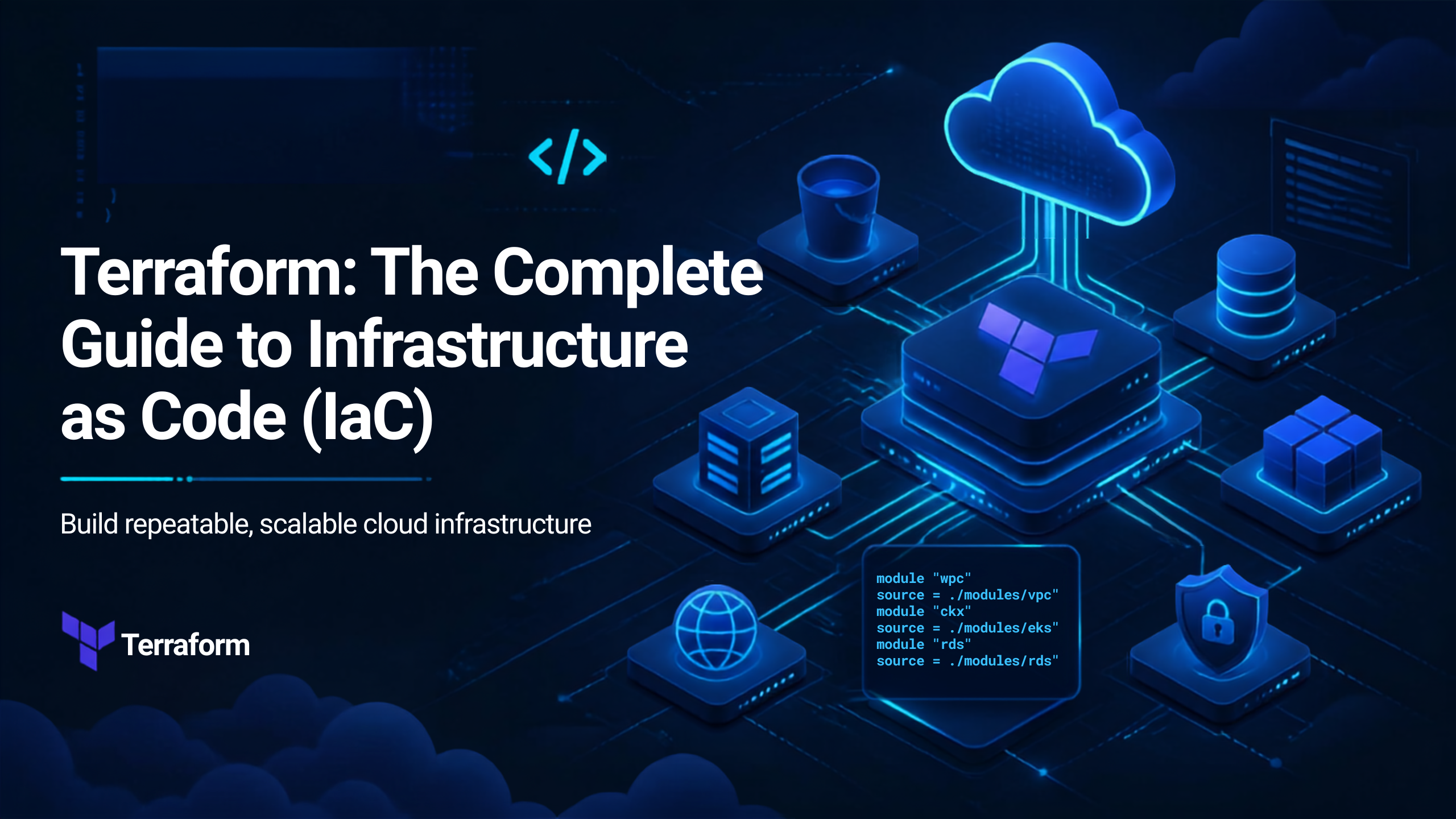
Terraform has transformed infrastructure management by introducing Infrastructure as Code (IaC), allowing organizations to define, provision, and manage infrastructure using simple configuration files. Whether deploying virtual machines, Kubernetes clusters, storage accounts, or networking components, Terraform automates the entire process while ensuring consistency and repeatability.
Definition
Terraform is an open-source Infrastructure as Code (IaC) tool developed by HashiCorp that enables users to define, provision, manage, and version infrastructure using declarative configuration files written in the HashiCorp Configuration Language (HCL)
Architecture
+———————-+
| Terraform CLI |
| terraform init/apply |
+———-+———–+
|
Terraform Core Engine
|
————————————
| | |
State File Execution Plan Dependency Graph
|
+————+————-+
| |
Provider Plugins Backend Storage
| |
——————————————–
| | | |
AWS Provider Azure Provider GCP Provider Kubernetes
| | | |
Cloud Resources & Infrastructure Components
Working
Step 1: Write Configuration
Step 2: Initialize Terraform
Step 3: Validate Configuration
Step 4: Create Execution Plan
Step 5: Apply Changes
Step 6: Update Infrastructure
Step 7: Destroy Infrastructure
Advantages
1. Infrastructure as Code
Infrastructure is managed using version-controlled code.
2. Multi-Cloud Support
Works with AWS, Azure, GCP, Kubernetes, VMware, and many other platforms.
3. Automation
Reduces manual effort by automating infrastructure provisioning.
4. Consistency
Ensures the same infrastructure is deployed across development, testing, and production environments.
5. Version Control
Infrastructure code can be stored in Git, enabling collaboration and change tracking.
6. Dependency Management
Automatically determines the correct order for creating and updating resources.
7. Scalability
Supports deployments ranging from a single server to enterprise-scale cloud environments.
8. Cost Optimization
Makes it easier to create, modify, and remove unused resources, helping control cloud costs.
Disadvantages
1. Learning Curve
Requires understanding of HCL, providers, modules, and state management.
2. State File Management
State files must be secured and managed carefully, especially in team environments.
3. Limited Drift Detection
Changes made manually outside Terraform can cause infrastructure drift and require reconciliation.
4. Complex Debugging
Troubleshooting provider errors or dependency issues can be challenging.
5. Provider Limitations
Some cloud services may expose new features before they are available in Terraform providers.
Tools
| Tool | Purpose |
| Terraform | Infrastructure as Code |
| Terraform Cloud | Remote state management and collaboration |
| Terraform Enterprise | Enterprise IaC platform |
| HCP Terraform | Managed Terraform service |
| Azure DevOps | CI/CD automation |
| Jenkins | Infrastructure automation |
| GitHub Actions | Continuous Integration/Continuous Deployment |
| AWS CLI | AWS management |
| Azure CLI | Azure resource management |
| Google Cloud CLI | GCP resource management |
| Kubernetes | Container orchestration |
| Helm | Kubernetes package management |
| Ansible | Configuration management |
| Vault | Secrets management |
Interview Questions
Basic
- What is Terraform?
Terraform is an Infrastructure as Code (IaC) tool used to automate the provisioning and management of infrastructure. - What is Infrastructure as Code (IaC)?
IaC is the practice of managing infrastructure through code instead of manual processes. - What is a Terraform Provider?
A provider is a plugin that allows Terraform to communicate with cloud platforms and services. - What is a Terraform State File?
The state file stores the current state of infrastructure, enabling Terraform to track resources and determine required changes. - What is the difference between terraform plan and terraform apply?
- terraform plan: Shows the proposed changes without making them.
- terraform apply: Executes the planned changes and updates the infrastructure.
Conclusion
Terraform has become one of the most widely adopted Infrastructure as Code tools, enabling organizations to automate cloud provisioning with consistency, scalability, and reliability. By defining infrastructure in code, teams can reduce manual errors, improve collaboration, and accelerate software delivery.
For DevOps Engineers, Cloud Engineers, Platform Engineers, and SREs, mastering Terraform is an essential skill that complements Docker, Kubernetes, CI/CD pipelines, and major cloud platforms such as AWS, Azure, and GCP.
CTA
🚀 Master Terraform with SecureFlow InfoTech Pvt. Ltd.
Build expertise in Infrastructure as Code (IaC) and cloud automation with hands-on Terraform Training from SecureFlow InfoTech Pvt. Ltd.
What You’ll Learn
- Terraform Fundamentals
- Infrastructure as Code (IaC)
- HCL (HashiCorp Configuration Language)
- Variables, Outputs, and Locals
- Providers and Resources
- Terraform State Management
- Modules and Workspaces
- Remote Backends
- Multi-Cloud Deployments (AWS, Azure & GCP)
- Terraform with Kubernetes
- CI/CD Integration
- Real-Time Projects and Interview Preparation
Why Choose SecureFlow InfoTech Pvt. Ltd.?
- Certified Industry Trainers
- Hands-on Real-Time Projects
- Online & Offline Training
- Placement Assistance
- Resume Building and Mock Interviews
- Flexible Batch Timings
- Industry-Focused Curriculum
Courses Offered
- DevOps (AWS, Azure & GCP)
- Docker & Kubernetes
- Terraform & Infrastructure as Code
- Cybersecurity (VAPT)
- Cybersecurity (SOC & SIEM)
- Azure Data Engineering
📞 Contact: +91 91339 19666 | +91 91884 94949
Automate, Scale, and Manage Cloud Infrastructure with Terraform—Join SecureFlow InfoTech Pvt. Ltd. and become a skilled DevOps professional!